
Invoice scanning from a photo, straight into stock
Zuppa reads the lines of a supplier invoice from a photo or PDF, matches them to your ingredients, and once you approve, updates stock and the average price in one step.
How invoices work today
Invoices wait in a box for the end of the month.
One photo when the delivery arrives, and the items are in stock that day.
Nobody compares the price with last week’s invoice.
On approval Zuppa flags any ingredient that has gone up past your threshold.
Typing line by line, and someone slips a zero.
An arithmetic check: if the lines don’t add up to the total, Zuppa reads it again.
How an invoice gets into stock
- Take a photoAn invoice can run to 1–8 pages, as photos or a PDF.
- Check itZuppa matches the lines to your ingredients and remembers anything you corrected once. New ingredients are added straight from the invoice line.
- Approve itIn one step the quantities go into stock, the weighted average price updates and expiry dates go to the HACCP list.
What invoice scanning does
- Multi-page invoices, photo or PDFEven a long cash-and-carry invoice goes in at once.
- Matching that learns“Mozz. 125g” is mozzarella on the next invoice without asking.
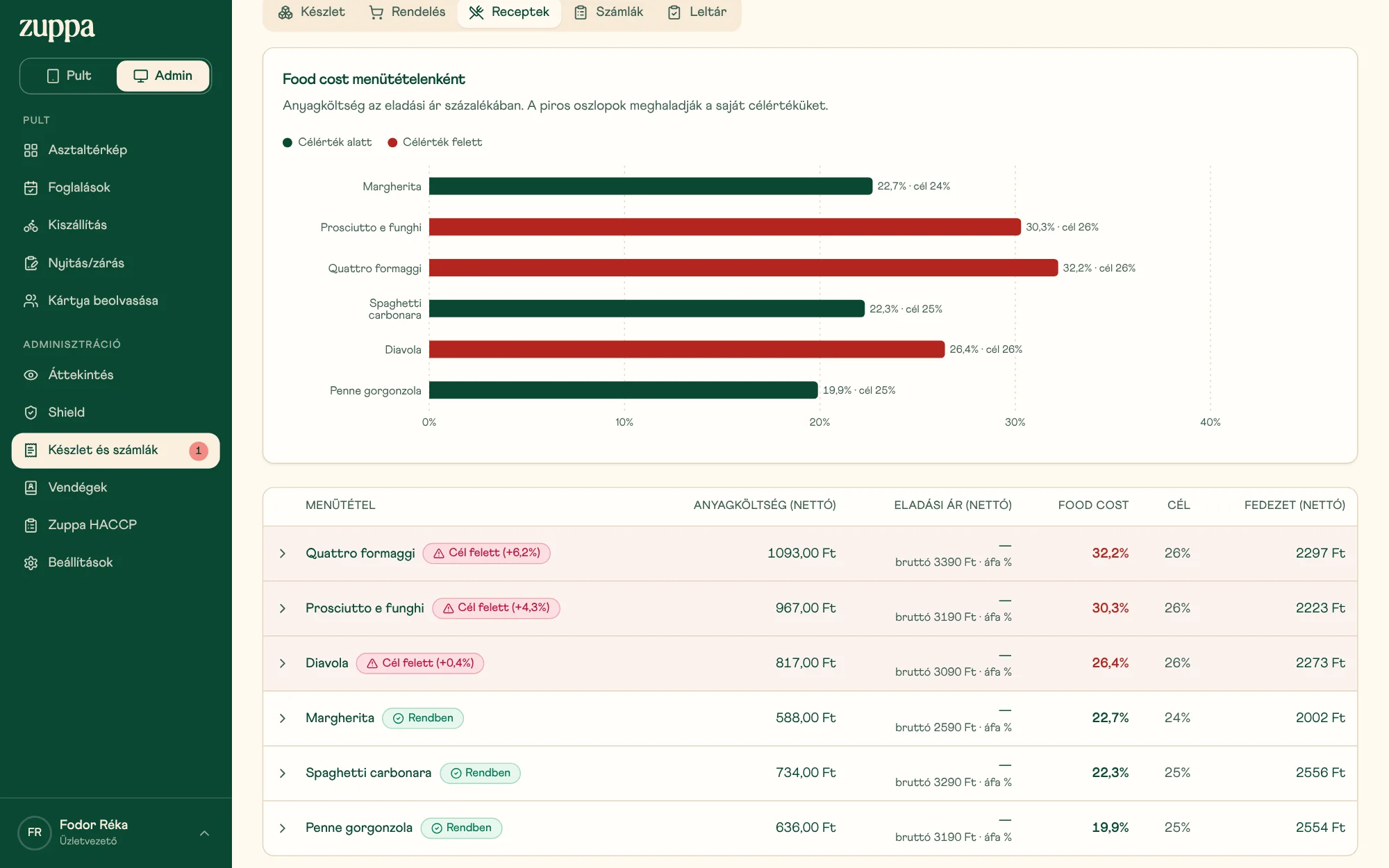
- Weighted average priceYour dishes’ food cost uses what you actually paid.
- Price alert on approvalYou see the increase while the invoice is still in your hand.
Works today
- Photo or PDF, 1–8 pages
- Arithmetic check with a second read
- Learned matching, new ingredients from the invoice line
- Stock, average price and price alert in one approval
- Expiry dates to the HACCP list
Part of Stock and food cost
Invoice scanning is part of the Inventory and food cost module. It gives recipes their prices and stock its quantities.
What flows through on its own
The new average price shows in your recipes, and portion cost follows.
→ Stocktake and ordersQuantities go into stock, and the movement into the stock log.
→ Price watchAn increase past your threshold is flagged and goes into the weekly report.
→ Expiry datesExpiry dates on the invoice go to the HACCP expiry list.
Frequently asked questions
What invoices can it read?
Supplier invoices from a photo or PDF, 1–8 pages. It reads the items, quantities, unit prices and, where printed, the expiry date.
What if it misreads a line?
You correct it before approving. Zuppa remembers the corrected match and gets it right next time. If the lines don’t add up to the total, it reads the invoice again.
Do invoices arrive from the tax authority by themselves?
No. Today you photograph the invoice or upload the PDF, check the lines and approve.
What happens on approval?
In one step the quantities go into stock, the weighted average price updates, and you get an alert if a price jumped past your threshold. Expiry dates go to the HACCP list.
Do I need the Zuppa POS for it?
No. Invoice scanning, stock and recipes work alongside any till.
Shall we start?
- A 20-minute call
We look at what you use now, and what is missing.
- We set it up with you
We load your menu and recipes, set up HACCP and train your team.
- Your numbers, every week
You take photos and approve them. Zuppa does the maths and puts the week together.